

How to import Google Font into MailChimp.

Recently, I converted a custom-designed email template into a native MailChimp newsletter that needs to support a specific Google Font.
The email template, a 1 column design, used a font not supported by MailChimp. At this current time, MailChimp supports only a handful of base operating system fonts and Google Fonts for excellent reasons.
You can learn more about their reasons here:
Typography | Email Design Reference
Searching high and low, I found an article that demonstrated how a user could use a custom Google Font by using a WYSIWYG block to toggle HTML editing and importing the font that way.
That was helpful — but I felt there had to be a better solution; after all, the user could delete that block or add a new block at the font would be lost.
With this in mind, I explored all of the blocks available to me and noticed that there was an HTML block that allows you to use custom code.
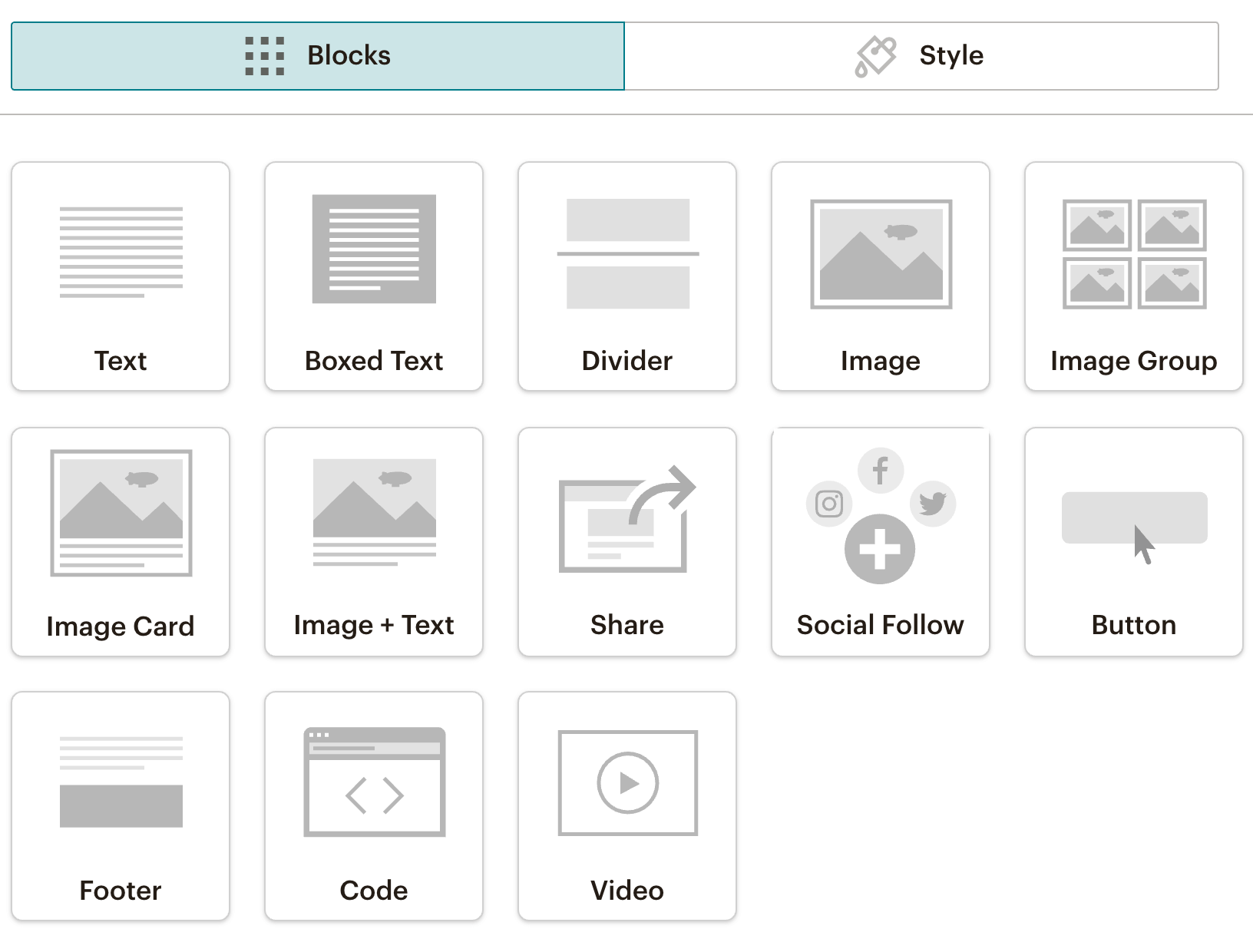
I decided to place the block above the header to be the first block that loads in the email. Within the block, I dropped in Google Font provided @import statement and targeted nearly every element and assigning the font-family with !important to ensure it overrides anything MailChimp might be doing.
It worked!
Here’s the code for your copy and paste convenience.
This solution makes it pretty difficult for a user to delete the block since it’s nearly collapsed on itself and it lives above the header, which helps to ensure it loads early and protects it.
What are your thoughts?
Have you found another approach that works well for your client?
About the author
Entrepreneur, teacher, developer.
Comments
Join the discussionHi Chris,
I am wondering if you were able to get the fonts working in an actual email? I am able to import the fonts into my template just fine and they show up there, but once I actually send out the email, anything written in the Google font defaults to Times or Ariel...
Thanks!
It depends on which email client you're testing — and it will not work in every email client. In cases where it does not work, it will use any fallback font your define or the user's default font.
Hope this helps!
CSS import is the best way to use web font inside the email templates. However, it may not work on all email clients.
 Source: https://www.litmus.com/blog/the-ultimate-guide-to-web-fonts/
Absolutely — depending on the scope and requirements of your project, you will need to check to see if this is right for you.


